

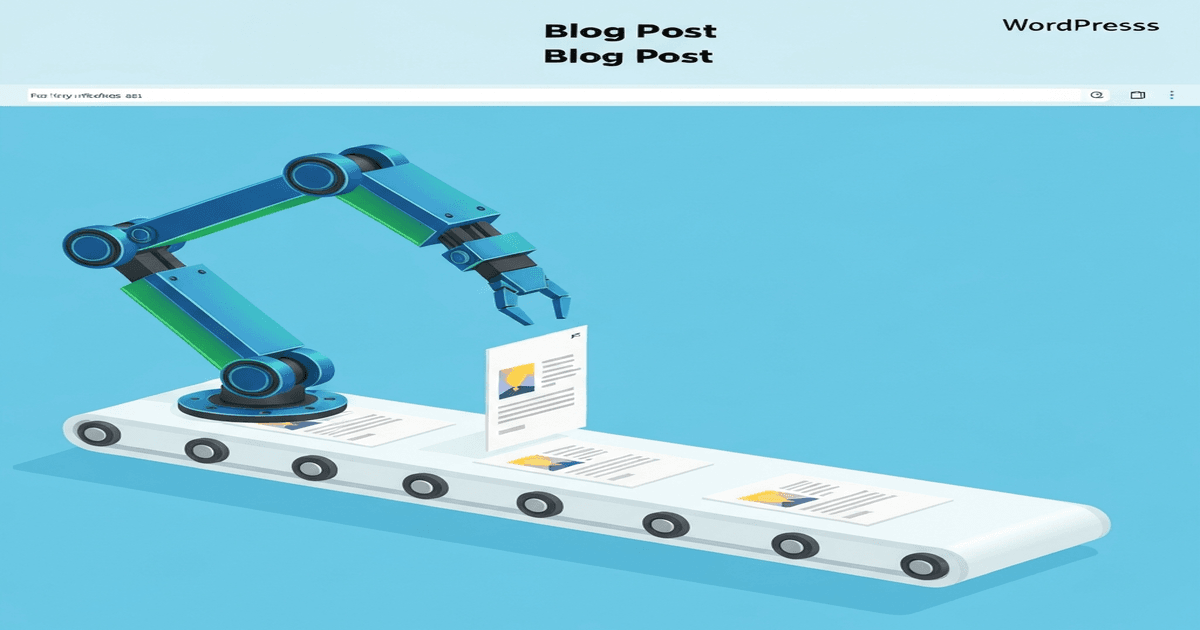
Publishing consistent blog content is one of the most effective SEO strategies — and one of the hardest to maintain. Most businesses start strong, then publishing slows to a trickle. Learning how to automate WordPress blog posts with AI solves this by creating a reliable content pipeline that produces, optimizes, and publishes content with minimal manual effort.
I’ve built AI-powered publishing systems for my own sites and clients that produce 8-12 optimized blog posts per month at a fraction of the time and cost of traditional content production. Here’s the exact setup.
How to Automate WordPress Blog Posts with AI: Architecture Overview
A complete AI blogging automation system has four components:
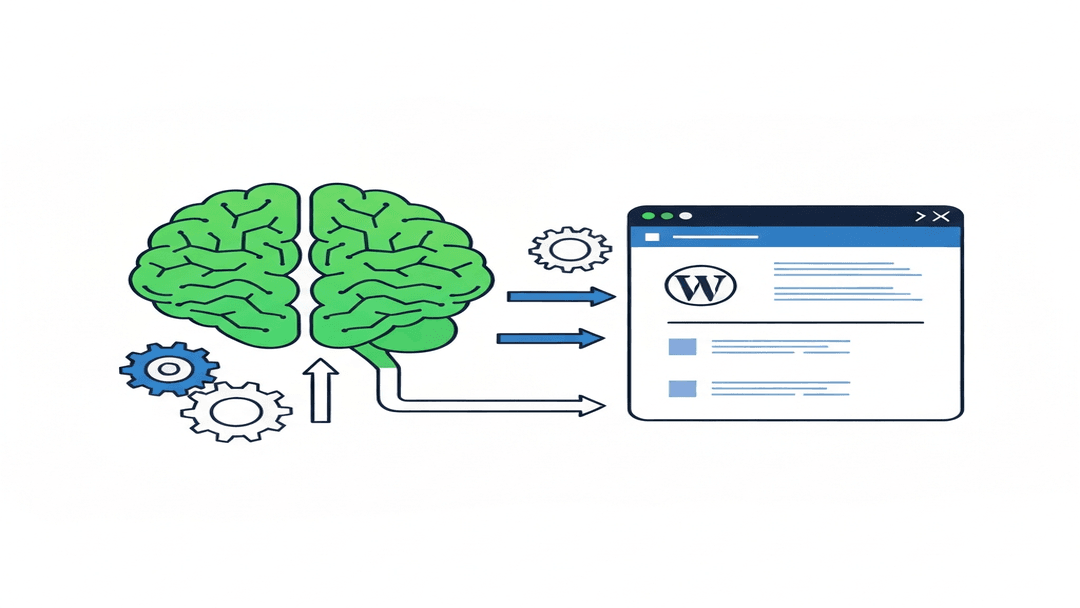
- Content planning: AI-assisted keyword research and topic scheduling
- Content generation: AI writes optimized drafts from detailed briefs
- Review and editing: Human quality control (the critical step most skip)
- Publishing: Automated formatting, image generation, and WordPress publishing via API
Let me walk through each component with specific tools and configurations.
Component 1: Automated Content Planning
AI-Powered Keyword Research
Start with a keyword research sprint using Ahrefs, Semrush, or the free Google Keyword Planner. Export your keyword list, then use AI to:
- Cluster keywords by topic (group related terms that can be covered in a single post)
- Prioritize by difficulty vs. search volume ratio
- Map keywords to content types (how-to, listicle, comparison, guide)
- Generate a 3-month content calendar with publishing dates
Tools like Surfer SEO’s Content Planner automate much of this clustering and calendar creation.
Content Brief Generation
For each scheduled post, generate a detailed brief:
- Target keyword and secondary keywords
- Search intent analysis (what does the searcher actually want?)
- Competitor content analysis (what do top-ranking articles cover?)
- Required sections and H2/H3 structure
- Word count target
- Internal linking opportunities
I use Claude to generate these briefs from a template prompt that includes SERP data from Surfer or Frase.
Component 2: AI Content Generation
Choosing the Right AI Model
Not all AI models produce the same quality for blog content:
- Claude Sonnet/Opus: Best for long-form, nuanced content. Follows complex briefs accurately. My top choice for 2,000+ word articles
- GPT-4o: Strong for structured content with clear formatting requirements
- Gemini Pro: Good for research-heavy content where you need current information
Prompt Engineering for Blog Posts
The quality of your AI content depends entirely on your prompts. My blog post generation prompt includes:
- Target keyword and placement requirements (first paragraph, one H2, slug)
- Word count range (e.g., 1,800-2,200 words)
- Content brief with required sections
- Tone and voice guidelines (“professional but conversational, like explaining to a smart friend”)
- Specific instructions: “Include 3 specific tool recommendations with pricing. Add a FAQ section with 3 questions. Include 2 external links to authority sources.”
- Anti-patterns: “Avoid phrases like ‘in today’s digital landscape’ or ‘it’s important to note that'”
Component 3: The WordPress REST API Publishing Pipeline
The WordPress REST API makes programmatic publishing straightforward. Here’s what the automation handles:
API Authentication
Use WordPress Application Passwords (built into WordPress 5.6+):
- Go to Users → Profile → Application Passwords
- Create a new application password
- Use Basic Auth with your username and the generated password
Automated Publishing Steps
- Generate content via AI API (Claude, GPT, etc.)
- Generate featured image using AI image generation (Imagen, DALL-E, Midjourney)
- Upload image to WordPress media library via REST API
- Create post with title, content, excerpt, categories, tags, featured image, and Yoast meta
- Set status to “draft” for human review (recommended) or “publish” for fully automated pipeline
Python Example: Publishing via REST API
Here’s a simplified example of the publishing function:
import requests, base64

WP_URL = "https://yoursite.com/wp-json/wp/v2"
CREDS = base64.b64encode(b"username:app-password").decode()

def publish_post(title, content, excerpt, category_ids, tag_ids, featured_image_id):
    response = requests.post(f"{WP_URL}/posts",
        json={
            "title": title,
            "content": content,
            "excerpt": excerpt,
            "status": "draft",
            "categories": category_ids,
            "tags": tag_ids,
            "featured_media": featured_image_id
        },
        headers={"Authorization": f"Basic {CREDS}"}
    )
    return response.json()
Component 4: Image Generation
Every blog post needs images. AI image generators produce professional blog graphics in seconds:
- Google Imagen 4.0: Fast, high-quality, excellent for blog headers and illustrations
- DALL-E 3: Strong for conceptual illustrations and infographic-style images
- Midjourney: Best aesthetic quality, but requires Discord workflow
Generate a featured image (1200x630px) and at least one content image (1080x608px) per post. Always include keyword-rich alt text.
Quality Control: The Non-Negotiable Step
Full automation without human review is tempting but risky. At minimum, review every post for:
- Factual accuracy (AI makes confident errors)
- Brand voice consistency
- Keyword placement and density
- Internal and external link quality
- Image relevance and alt text
I recommend publishing as “draft” and batch-reviewing 4-5 posts weekly. This takes 30-45 minutes and prevents quality issues from reaching your live site.
Automation Tools and Platforms
- OpenClaw: AI agent platform that can run scheduled publishing tasks via cron, generate content, create images, and publish via WordPress API — all from a single conversation
- Make.com (Integromat): Visual automation builder. Connect AI APIs → WordPress in drag-and-drop flows
- Zapier: Simpler automation for basic workflows (AI generation → Google Sheets → WordPress)
- Custom Python scripts: Maximum flexibility. Use the WordPress REST API directly with any AI provider’s API
Frequently Asked Questions
Is it safe to automate WordPress blog publishing with AI?
Yes, with proper quality controls. The key is maintaining a human review step before posts go live. Automated publishing to “draft” status is safe and efficient. Fully automated publishing to “publish” status works for established workflows where prompt quality is proven, but always monitor Google Search Console for indexing issues or traffic drops that might indicate quality problems.
How much does an AI blog automation setup cost?
A basic setup using Claude API ($15-60/month depending on volume) + free WordPress REST API + Imagen for images runs roughly $50-100/month for 8-12 posts. Adding Surfer SEO ($99/month) for optimization increases quality significantly. Compare this to $200-500 per article from freelance writers — the cost savings are substantial at scale.
Will Google penalize automated AI blog posts?
Google penalizes low-quality content, not the method of creation. Automated AI posts that are well-researched, properly edited, and genuinely helpful rank just as well as human-written content. The risk comes from publishing unreviewed AI output at scale — which often results in generic, shallow content that triggers Google’s Helpful Content system.
Build Your AI Publishing Pipeline
Start small: automate one component at a time. Begin with AI-assisted content generation (biggest time savings), then add image generation, then API publishing. Once your workflow is proven with 10-20 posts, scale to a fully scheduled pipeline.
The goal isn’t to remove humans from content creation — it’s to focus human time on strategy, expertise, and quality control while AI handles the repetitive production work.
Ready to set up an AI content automation system for your WordPress site? Get in touch — I’ll help you design a pipeline that fits your content goals and budget.
See my full digital marketing and automation services.
2 Comments
socks proxy
at 5 months agoI feel that is one of the most significant information for me.
And i am happy reading your article. But wanna observation on some common issues, The site
style is perfect, the articles is in reality great : D.
Just right process, cheers
Buy Proxies
at 5 months agoI believe everything posted was very reasonable. However, what about this?
suppose you composed a catchier post title? I am not saying your content isn’t good, but suppose you added something to
possibly grab folk’s attention? I mean How to Automate WordPress Blog Posts
with AI: Complete Setup Guide | Youssef El Karmi is a
little boring. You might look at Yahoo’s front page and watch
how they create post titles to grab people interested.
You might add a video or a picture or two to grab readers
interested about everything’ve written. In my
opinion, it could make your posts a little livelier.